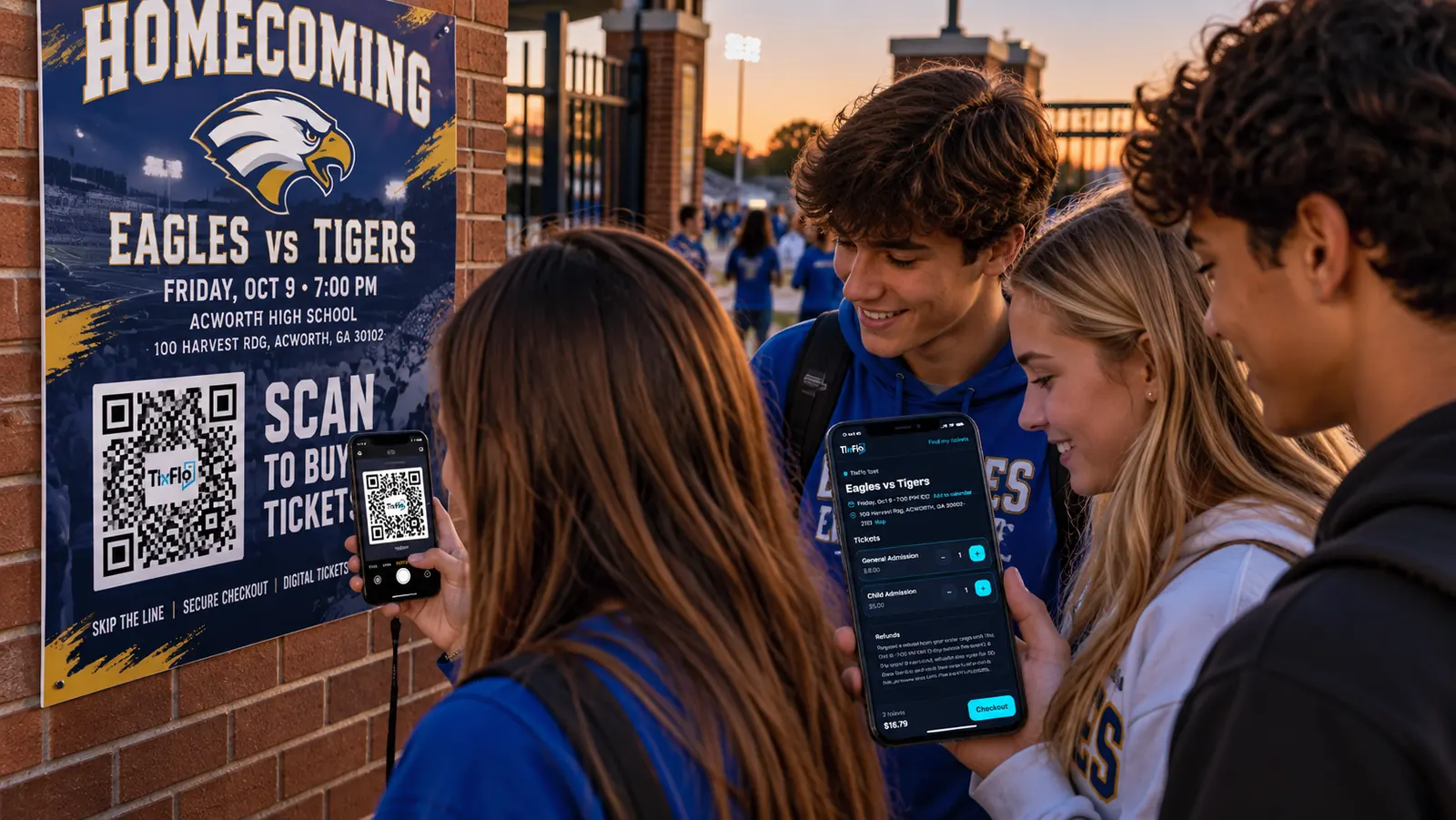

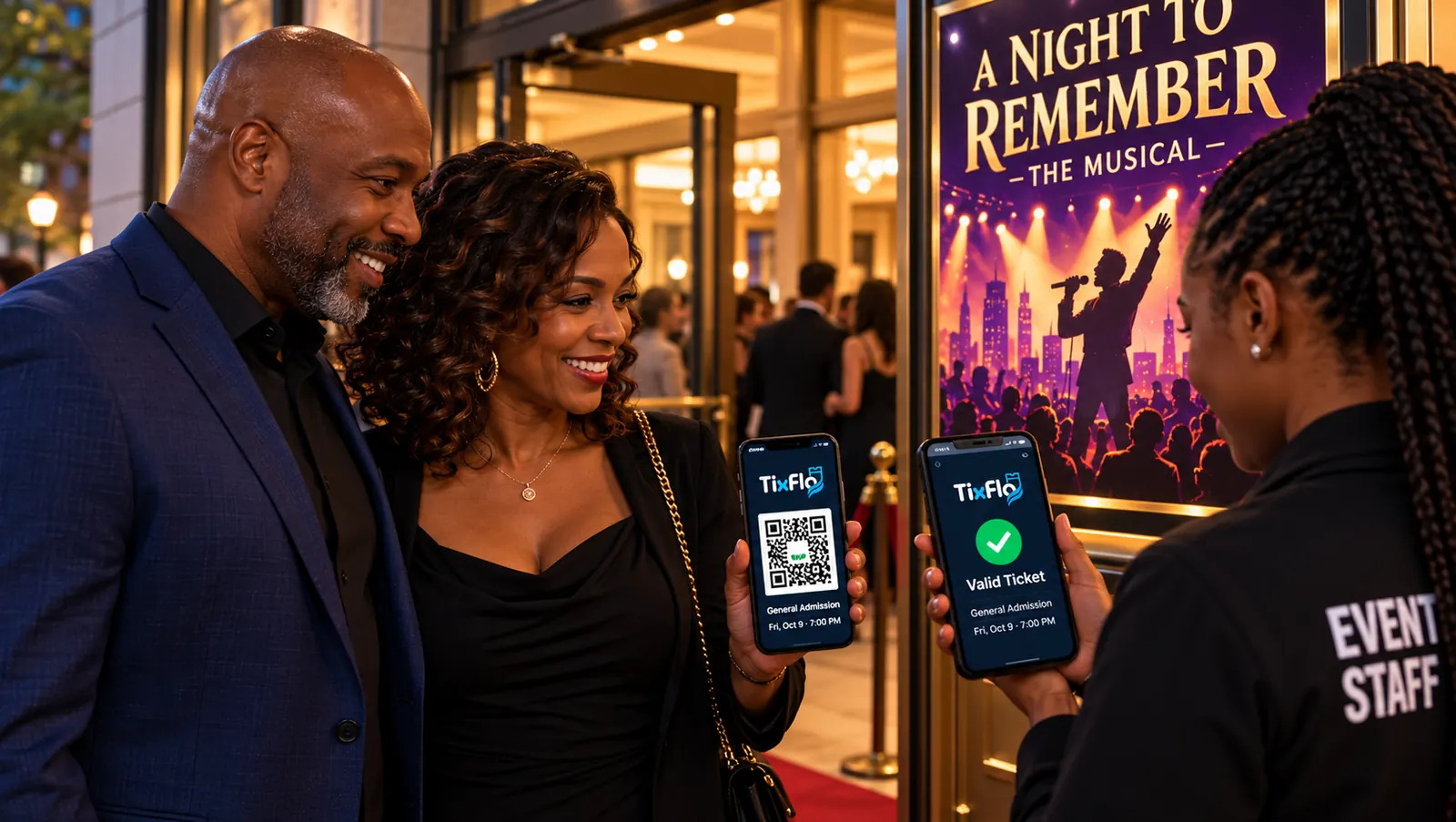
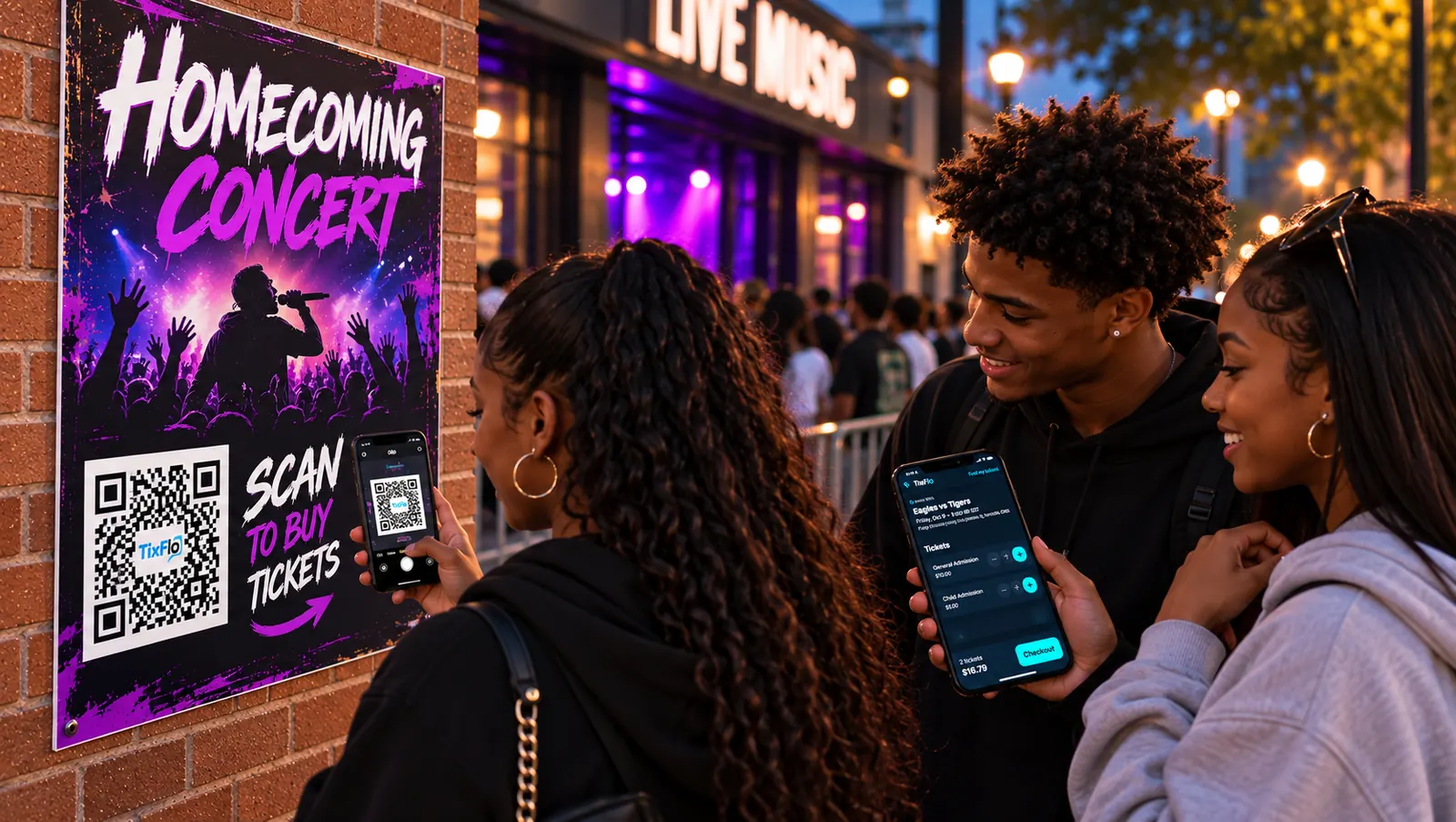
Tickets for games, musicals and concerts, sold online, scanned at the door.
Create an event, get paid through Stripe or Square, and scan guests in with QR tickets. Built for schools, sports leagues, community groups and local events.
- ✓ Free to start
- ✓ $0.50 a ticket + card processing
- ✓ Stripe or Square
- ✓ Phone scanner, no app
Scan the poster, buy on the phone.
Set it up tonight. Sell this week. Scan at the gate.
 Step 1
Make the event
Add the date, ticket types and prices, connect Stripe or Square, and publish. Most organizers are done in a few minutes.
 Step 2
Families buy on their phone
Share the link or post a QR code. Buyers don’t need an account or an app, and their tickets arrive by email.
 Step 3
Volunteers scan at the gate
Any phone becomes a scanner from a link you share. Green means let them in; a ticket that was already used says so.
Everything for game night. No add-ons.
- QR tickets by emailSent right after payment. Buyers can always find them again with “Find my tickets”.
- Phone scannerShare a scanner link with volunteers. Every gate sees the same list, so a ticket only gets in once.
- Your own Stripe or SquareTicket money goes to your account and pays out to your bank on its usual schedule.
- Refunds and cancellationsRefund an order from your dashboard, or cancel an event and email and refund every buyer in one step.
- Reports for your treasurerDownload sales and attendee lists for any event.
- Team accessInvite co-admins to run events with you.
Free to start. $0.50 a ticket when you sell.
No monthly fee, setup fee or contract. Each ticket carries a $0.50 TixFlo fee, and card processing is charged once per order. Pass the fees to buyers and you keep the full ticket price, or absorb them so buyers pay exactly the posted price. You choose for each event.
When buyers pay the fees
| Order | Fees | Buyer pays | You keep |
|---|---|---|---|
| One student ticket1 × $5.00 | $0.98 | $5.98 | $5.00 |
| Family of four4 × $8.00 | $3.33 | $35.33 | $32.00 |
| One $25 ticket1 × $25.00 | $1.58 | $26.58 | $25.00 |
Fees include the $0.50 per ticket and Stripe’s standard 2.9% + 30¢. Square’s rate depends on your Square plan.
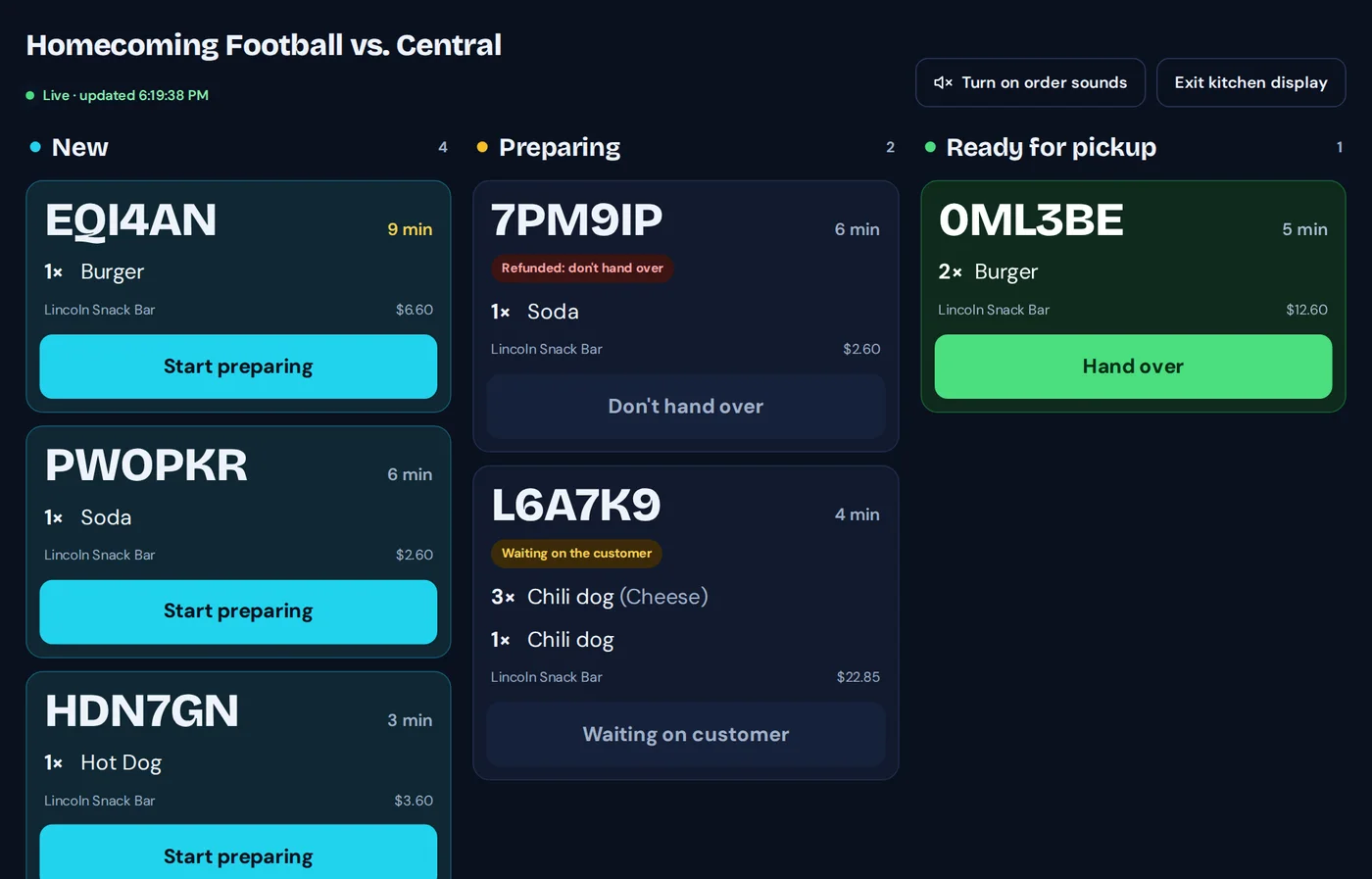

Concessions without the line.
Fans order and pay from their seats, then pick up when their number is ready. Your volunteers work from a live board instead of a cash box.
Compare TixFlo for your events
Set up your first event today.
Make a free account, connect Stripe or Square, and publish when you’re ready. Questions first? Email support@tixflo.net. We answer within one business day, Monday to Friday.